Monday, May 22, 2023

Sprint #1 Delivery: Howls Moving Castle


Sprint #1 Delivery: Howls Moving Castle 

For this first delivery, I established myself as a Production Manager of sorts and worked with everyone on the team to create a schedule to fit their needs. I then made a Trello so we can all keep track of our tasks.


As far as ownership on this project, I will be in charge of rigging and animation solutions. I laid out a PureRef for a Castle ROM and compiled some examples of rigs that have parts similar to that of the castle.


I did a lot of research on how the creates of the Movie created the rig for the castle, and how they animated it. In the video below, it shows a simple 3D model for the castles base and 2D planes for the castles upper parts. 


This video gives insight into the entire process for rigging and animating the castle: https://www.youtube.com/watch?v=0_pYR20MAY0. I plan to create animation layers and break the geometry into three sections as the animators did for the castle in the film. 

Our team has decided to stick with a fully 3D castle, simply because we want to have an amazing portfolio piece, but also because we want to be able to change the direction our character is moving without worrying about if the pieces will look correct if we change the angle of the camera. 

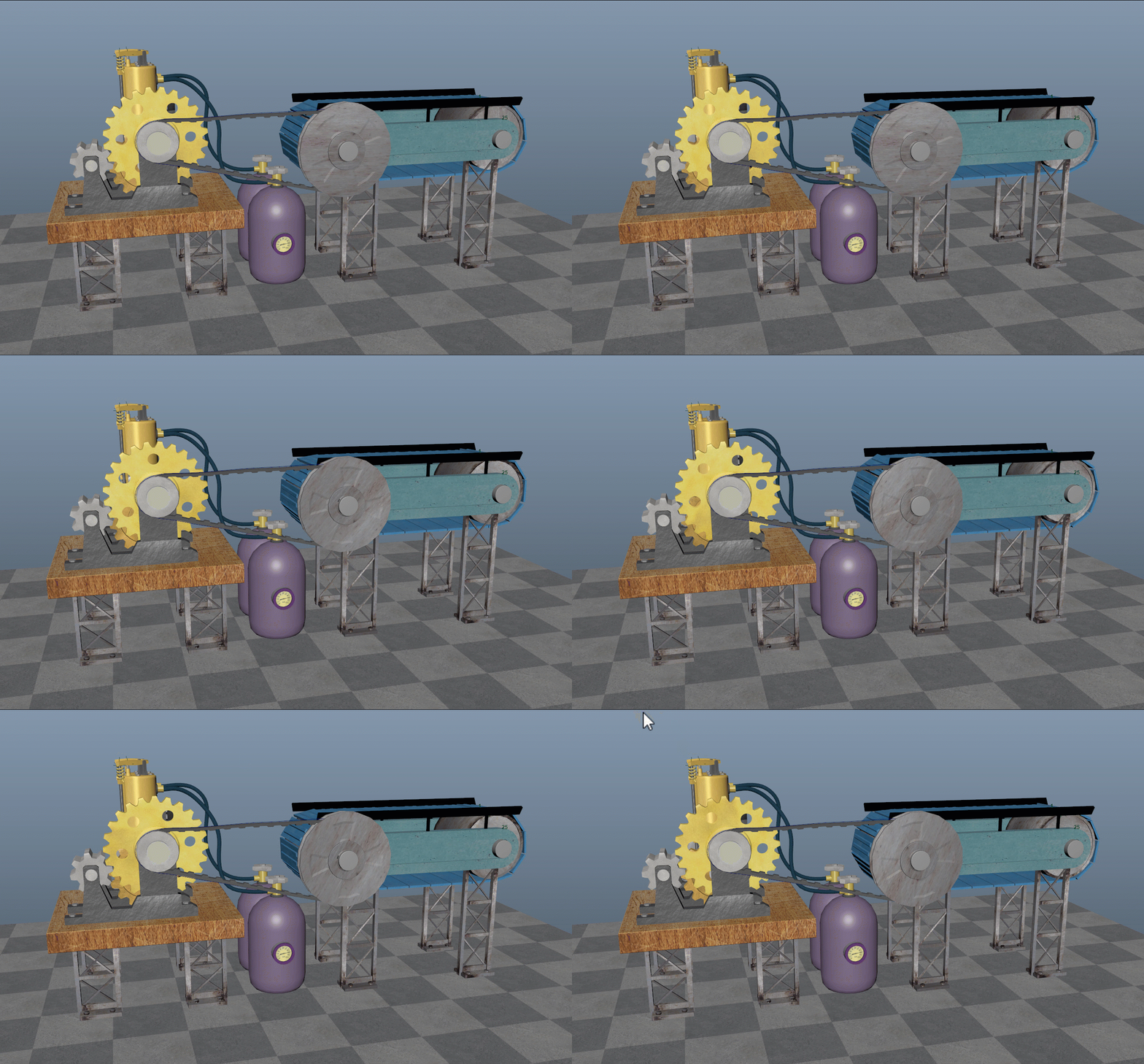
As far as rigging research goes, I found and followed a very useful LinkedIn tutorial for rigging mechanical objects that will help me immensely when trying to quickly animate the top parts of the castle. I took a screenshot of the course description below and show the rig that has a total of 4 joints and 15 moving parts. It animates depending on how the rest of the system behaves. 


My PureRef for rigging:

I couldn't add gifs/videos to a PureRef, so I will post my animation reference here: 


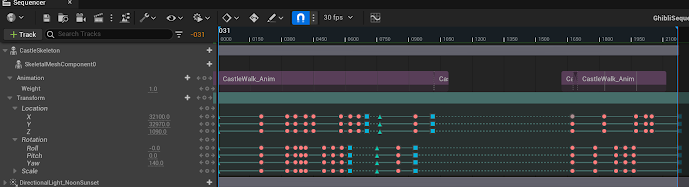
I drew out a simple animatic to get a sense of timing and create a loop so that when we add the castle animation to engine we can modify the scene and camera without any issues.
This is an extra I made to show the castle moving across the screen in a loop, the timing isn't accurate, it was meant to be an example of the shot we want to achieve and the looping walk cycle.

Finally, I created the template for the slideshow presentation, added my work and distributed it to my teammates to contribute, which I've linked here:

https://docs.google.com/presentation/d/1LxfaJHhQvMkISFIMZfd2K8URYbdUURWikM9qNpBjJqI/edit?usp=sharing

Saturday, April 22, 2023

Figure Drawing Portfolio

 Drawing Portfolio - Common Art 2023


Starting Collage

These renderings were made at the beginning of our drawing class, I was getting the hang of drawing on paper again.

Final Collage

These are the best rendering I made during class, I had time to do more shading and lighting on them than the other poses.


Thursday, February 2, 2023

Lighting Workshop Module 4

 For this assignment, I found an asset pack on the Epic store and set dressed my own scene. 

I used lumen and nanite for both shots.

The first image is set at sunset, and I decided to give the sky a dark purplish red color, similar to the sky before a big storm.


For the second shot, I went for an early morning soft lit scene.


Thursday, January 26, 2023

Lighting Workshop Module #3

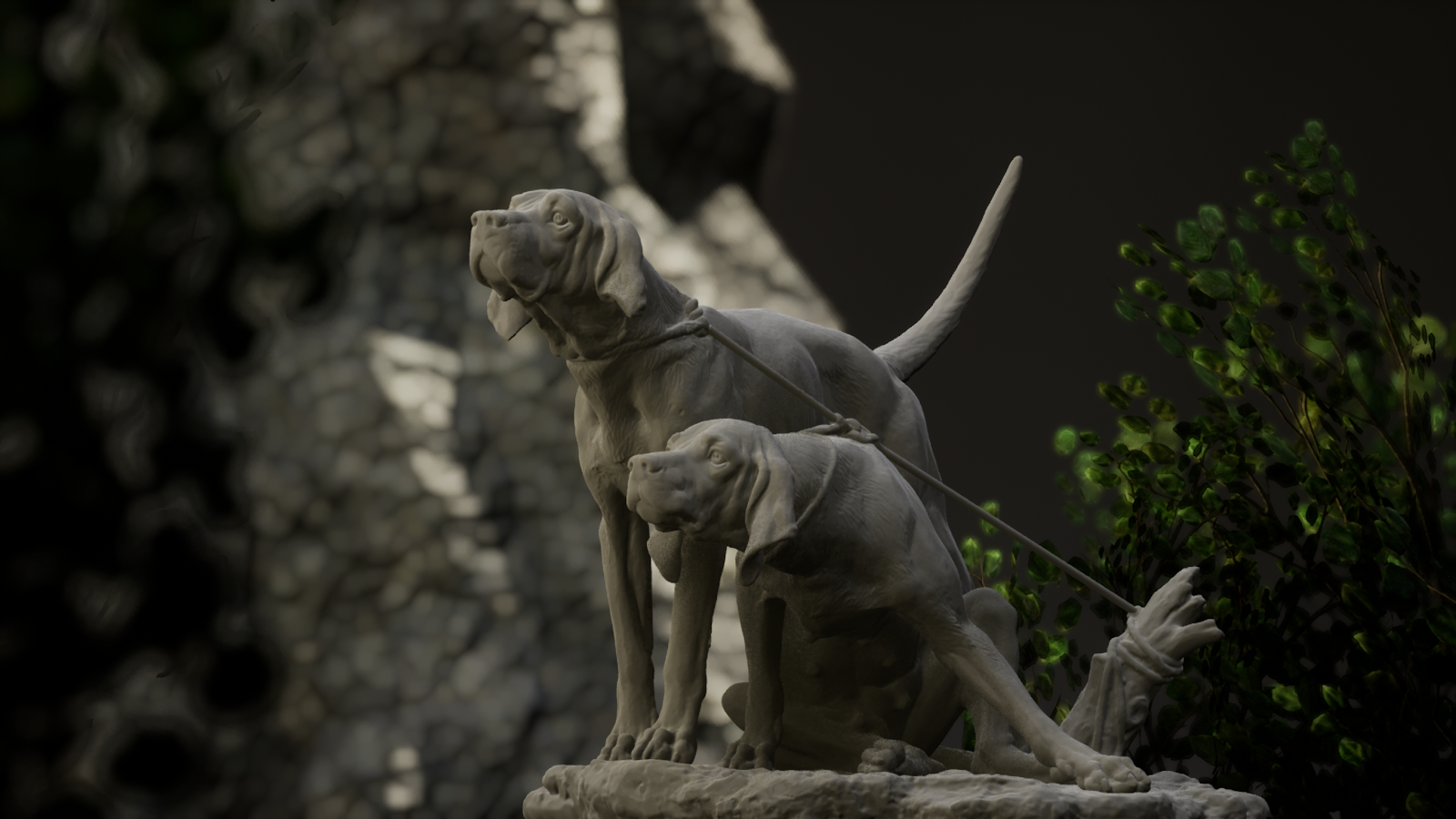
 The first thing I did was take this dog scan into substance and generate UV's. Next I decided that I wanted to make my dogs resemble a brand new copper statue.

Close up shot, emphasizing the scratches on the material.

 I found hex code online for a copper color I liked and piped it into my vector3 node. I added a texture sample to give the statue natural grooves and imperfections while still seeming new to make the statue pop. 


Thursday, January 19, 2023

Lighting Workshop Module #2

First lighting scenario with an outdoor HDRI, a grey infinity wall and a 154 focal length lens.


This second shot, I changed the material on the infinity wall to white and the exposure on the directional to a lower value.


Playing with composition and light values.


Tuesday, January 10, 2023

Lighting Workshop Module #1

 Here is my black and white render. I started with the key and fill, then added the dome and back lights, adjusting as needed. 


And my colored light render featuring red for key, green for fill, and blue for rim/back.


I had a total of 5 lights in the scene. I wanted to try for 4, but ended up needing 2 back lights to get the effect I wanted.


Thursday, December 1, 2022

Week 15 VR Interactive Characters (Final Pass)

This week, I worked troubleshooting issues with Perforce and cleaning up the problem files in our project.


I also added music to the game, set up a few lights on top of Zach's base and set up colliders on Dr. Frank.


I set up and tested the doctors animation state machine and got all of the states working.


I set up the Character Pawn Blueprint with a beginning and an end overlap node. 

Close up example of the Character BP nodes.


Final Presentation: Howl's Moving Castle

 Final Presentation: Howl's Moving Castle For this last turn in, I worked on implementing animations that Marshall created using my cast...